Bamboo Laptop Stand With 12° Angle – 2-Part Design
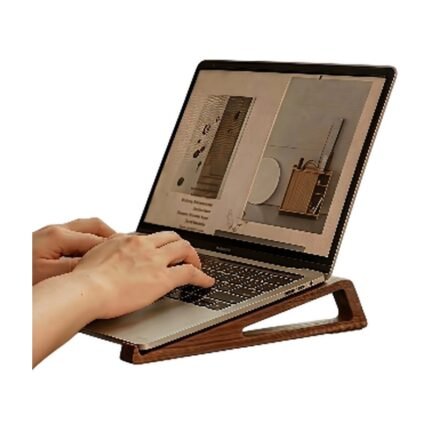
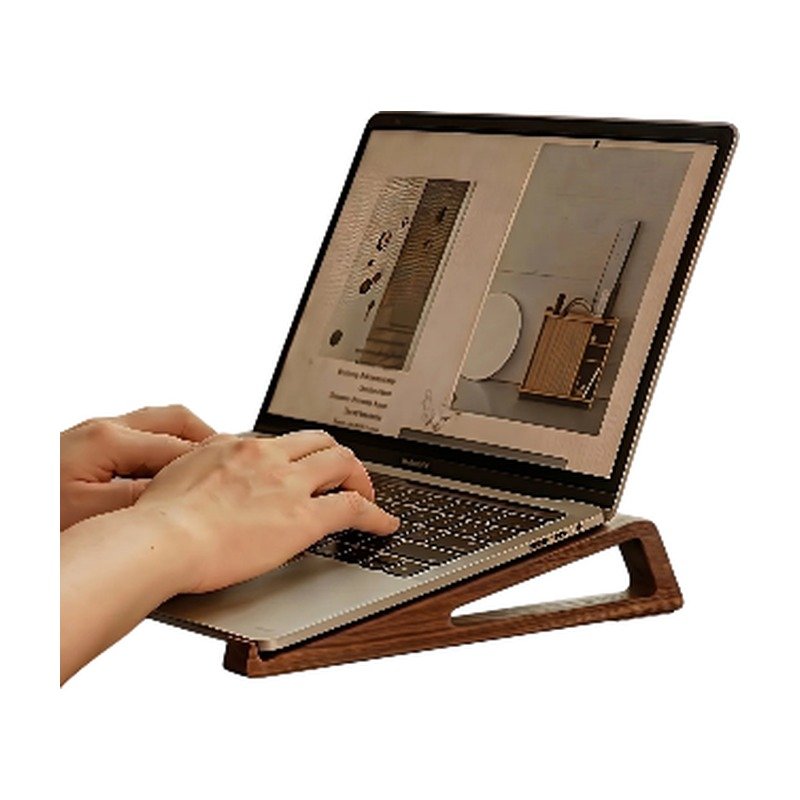
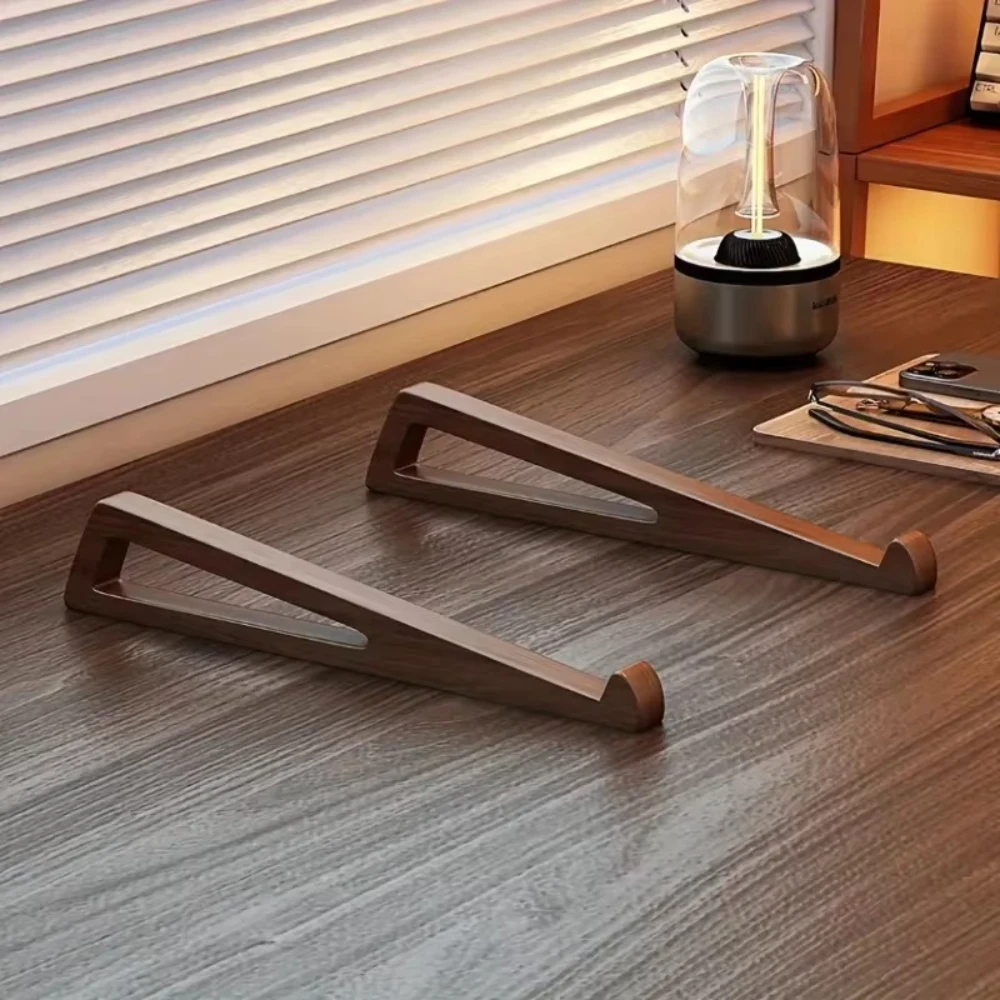
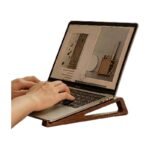
This bamboo laptop stand consists of two separate rails that are placed under each side of the laptop. The construction lifts the back edge of the computer and creates a fixed angle of approximately 12°. The slanted position changes the angle of the keyboard and raises the screen slightly above the desk.
The two rails can be positioned at a distance that suits the width of the computer. The open construction leaves most of the underside free, allowing air to circulate around the computer. The stand has no fan, power connection, or movable adjustment mechanisms.
Key Benefits
- Consists of two separate rails for flexible placement.
- Fixed angle of approximately 12° provides a slanted working position.
- Open design allows free air circulation around the underside of the computer.
- Front stop helps keep the computer on the rails.
- Can also be used for compatible drawing tablets and tablets.
- The separate parts are easy to move and store.
- Requires no power, batteries, or tool assembly.
- Retro-inspired design for desk and home office.
Fixed 12° Angle on the Desk
The triangular profile of the rails creates a fixed angle when they lie flat on the table. The computer rests on the long support surfaces and is held in place by the front edge of the integrated stops. The angle is not infinitely adjustable, so the working position is determined by the stand’s fixed construction.
A slanted position can change the position of the wrists and make the screen easier to see from some sitting positions. However, the perceived comfort depends on the user’s height, chair, desk, and computer. For longer working periods, a separate keyboard and mouse may be useful if the screen needs to be placed further from the hands.
Two Separate Rails
Instead of a continuous plate, the laptop stand consists of two identical support parts. The distance between them can therefore be adjusted to the underside of the computer, allowing the rails to be placed on stable areas. The construction can also be adapted to a compatible drawing tablet or other flat device with suitable dimensions.
The two-part design takes up limited space during transport and storage. The parts can be laid together and placed in a bag or drawer. As the rails are not connected, they must be set up parallel on a flat surface before the computer is placed on them.
Air Circulation Without a Fan
The open sides and the gap between the rails limit contact with the underside of the computer. This allows for passive air circulation and keeps any ventilation openings freer than on a closed plate. The cooling effect depends on the computer’s ventilation design, workload, and the ambient temperature.
Check the placement to ensure the rails do not cover ventilation openings or press on moving parts. The stand does not actively cool and does not replace the computer’s built-in cooling system.
Dimensions and Specifications
| Product Type |
Two-Part Laptop Stand |
| Material |
Bamboo |
| Number of Parts |
2 Rails |
| Angle |
Approximately 12° |
| Total Length Per Rail |
Approximately 26.2 cm |
| Slanted Support Surface |
Approximately 23 cm |
| Back Height |
Approximately 5 cm |
| Width |
Adjustable by moving the rails |
| Model |
BZ2024 |
| Power |
No power required |
| Adjustment |
Fixed angle without movable joints |
How to Set Up the Laptop Stand
- Place both rails parallel on a flat and stable table surface.
- Adjust the distance to the width and support points of the computer.
- Ensure that the integrated stops are facing the front edge of the table.
- Carefully place the computer on the two slanted support surfaces.
- Check that the computer is stable before use.
- Move the rails if they cover ventilation openings.
Maintenance and Package Contents
Wipe the rails with a soft, slightly damp cloth, and dry with a dry cloth. Avoid prolonged contact with water and high humidity. Do not use abrasive cleaning agents that may affect the surface. Regularly check edges and front stops for damage.
The package contains 2 rails, which together form the laptop stand. Computer, drawing tablet, keyboard, and other equipment are not included. Compare the dimensions with the underside of the computer before ordering.


 Free delivery on orders of £5 or more
 14-Day Full Returns
 100% Secure Payments