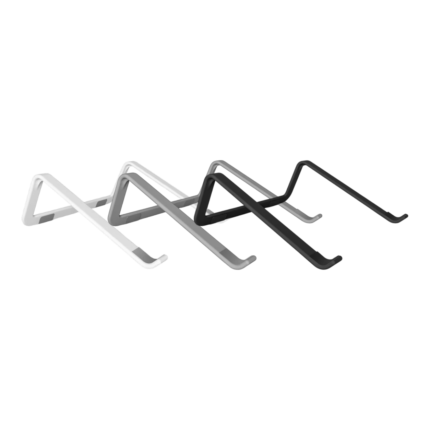
Ventilated Laptop Stand For Laptops
This ventilated laptop stand lifts your laptop off the desk and creates more free air around the underside. The open construction helps the computer’s own ventilation openings to work without being covered by a tight desk surface.
The stand is designed for laptops with a screen size of approximately 28-43 cm. The simple frame provides support under the computer, while the contact surfaces help keep both the stand and the device stable during work, study, and entertainment.
Key Benefits
- Open construction that promotes natural air circulation around the computer.
- Lifts the laptop off the desk surface.
- Suitable for laptops of approximately 28-43 cm.
- Reinforced frame that provides stable support during use.
- Contact surfaces help limit movement and protect the device.
- Light and portable design for home, office, and study.
- Requires no power, cables, fans, or installation.
Overview
A laptop can develop heat during extended work, streaming, video meetings, or other demanding tasks. When the computer is placed directly on a table, the air intake on the underside may have less space around it. This ventilated laptop stand raises the device and leaves an open area under the casing, allowing air to move more freely around the computer.
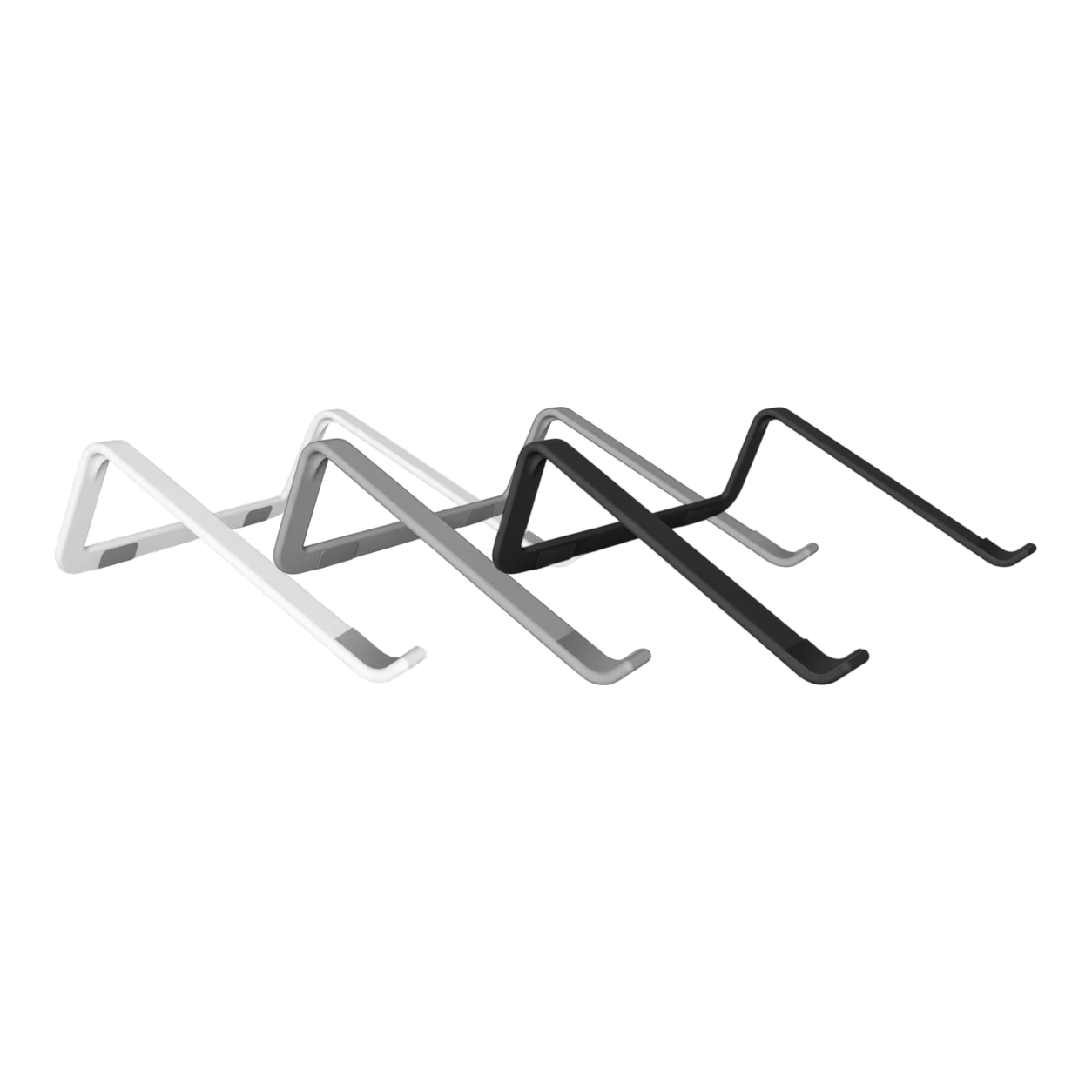
The stand consists of a simple, open frame with two support sides. The computer is placed on top of the frame, while the raised ends at the front help keep it in place. The contact points are designed to provide a stable base and reduce direct contact between the computer’s casing and the frame itself.
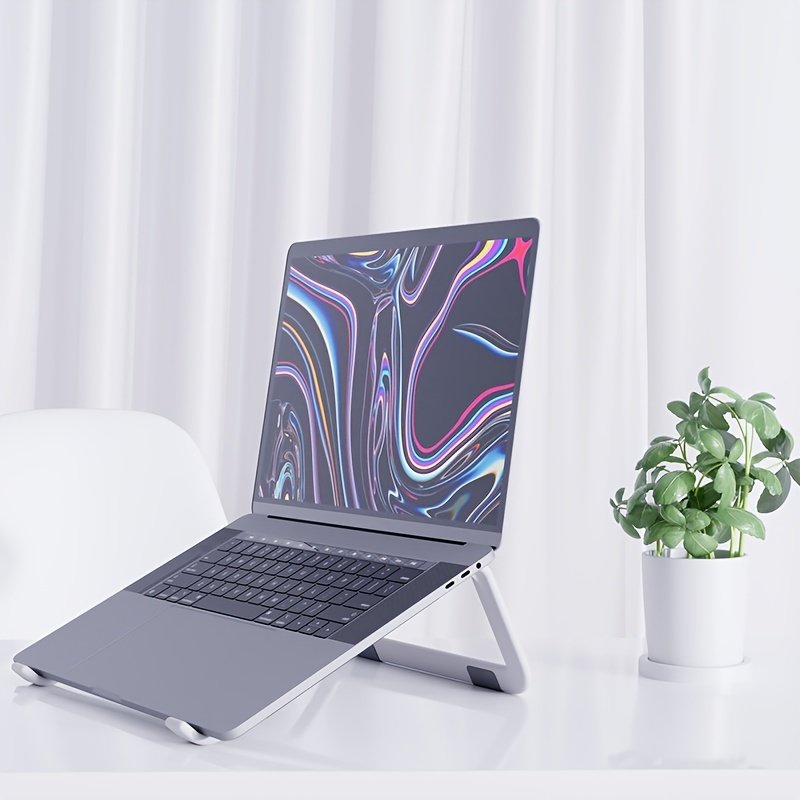
The fixed angle raises both the screen and keyboard off the table. This can provide a more accessible position for the screen while freeing up space under the computer. The stand can be used on a desk, work table, or any other flat and stable surface.
Product Specifications
| Product Type |
Ventilated Laptop Stand |
| Compatibility |
Laptops of approximately 28-43 cm |
| Material |
Polyamide |
| Construction |
Open frame with passive ventilation |
| Support |
Reinforced, solid construction |
| Contact Surfaces |
Protective and anti-slip pads |
| Power Connection |
Not required |
| Usage |
Home Office, Study, Office, and Travel |
Passive Ventilation Without a Fan
The laptop stand does not use a built-in fan. The cooling effect comes instead from the open centre, which provides more distance between the computer and the tabletop. This passive solution operates silently and requires neither USB connection nor a separate power supply.
The actual temperature still depends on the computer’s cooling system, workload, and environment. The stand therefore does not replace the maintenance of the computer’s ventilation openings but provides them with better space than when placed directly on a tight surface.
Stable Support on the Desk
The reinforced frame distributes the computer’s weight between the two sides of the stand. The front stop edges help prevent the device from sliding forward, while the contact surfaces create distance between the frame and the computer’s casing.
Always place the stand on a flat and stable tabletop. Ensure that the computer rests evenly on both sides and that its ventilation openings are not covered. Also, check that the device’s width and construction fit securely on the stand before using the keyboard.
Raised Position of the Screen
When the computer is lifted off the table, the screen is simultaneously raised higher than with a regular flat placement. This can make it easier to adjust the workspace, especially when the stand is combined with a separate keyboard and mouse. The fixed tilt also provides a clear angle on the computer’s own keyboard.
The stand does not have adjustable height or angle steps. The working position therefore depends on the height of the table, the placement of the chair, and the size of the computer. For longer working periods, you can place the screen at a distance and height that suits your desk.
For Work, Study, and Entertainment
The simple design makes the stand useful for many fixed workspaces. It can be used with an external keyboard and mouse, but also serves as support when using the computer’s own keyboard. The raised position is also practical for video meetings, streaming, and reading on the screen.
The stand has no movable adjustment parts and is therefore quick to set up. Place it on the table, set the computer on top, and check that it stands stably. The lightweight and portable construction makes it easy to move the stand between work areas or store it when the desk needs to be cleared.








 Free delivery on orders of £5 or more
 14-Day Full Returns
 100% Secure Payments